01 / ROSTER
Find the right agent.
Search your agents, pin the ones you use most, and keep related agents together.
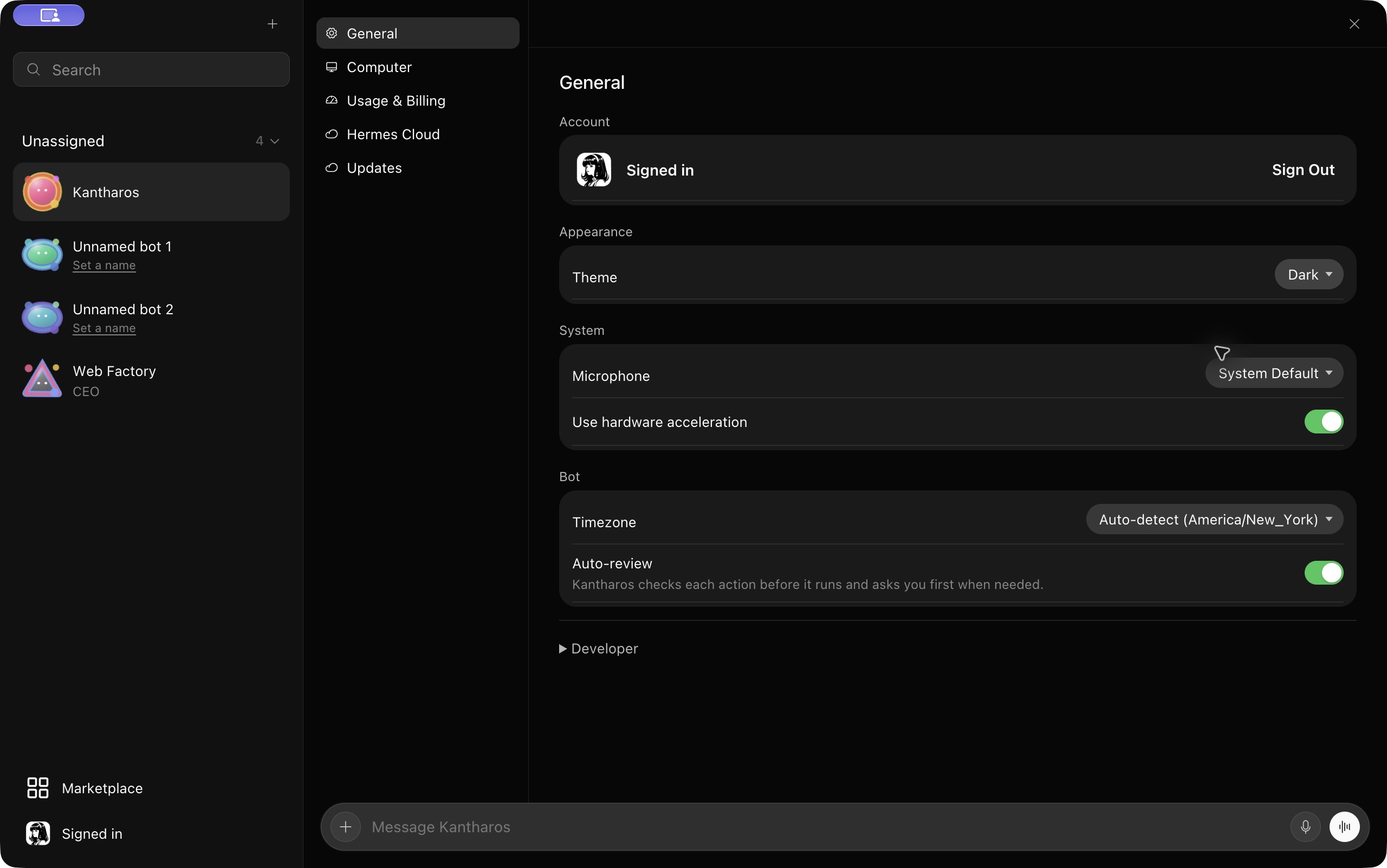
 Kantharos
The bot app for Hermes
Think Grok Bot or Muse for your own Hermes agents. Choose from the models your Hermes setup supports, and connect to a gateway you control for a more private setup.
Mac preview. Public download coming soon.
THE APP / 01
Choose Hermes Cloud or connect to a Hermes gateway you control on your Mac or another computer. Hermes runs the agents; Kantharos gives you one place to work with them.
01 / ROSTER
Search your agents, pin the ones you use most, and keep related agents together.
02 / MODEL CHOICE
Choose a provider and model supported by your Hermes setup. Your bot experience is not tied to one model vendor.
HOW IT WORKS / 02
Choose Hermes Cloud or a Hermes gateway you run locally or remotely.
Connect Kantharos and choose a model your Hermes setup supports.
Open a bot and keep the conversation going. With a self-hosted gateway, you control where Hermes runs; model providers may still process your chats.
GET CONNECTED
Find setup steps, supported connection types, and help when you need it.
Explore the docsKANTHAROS FOR MAC
The public Mac installer is not available yet.